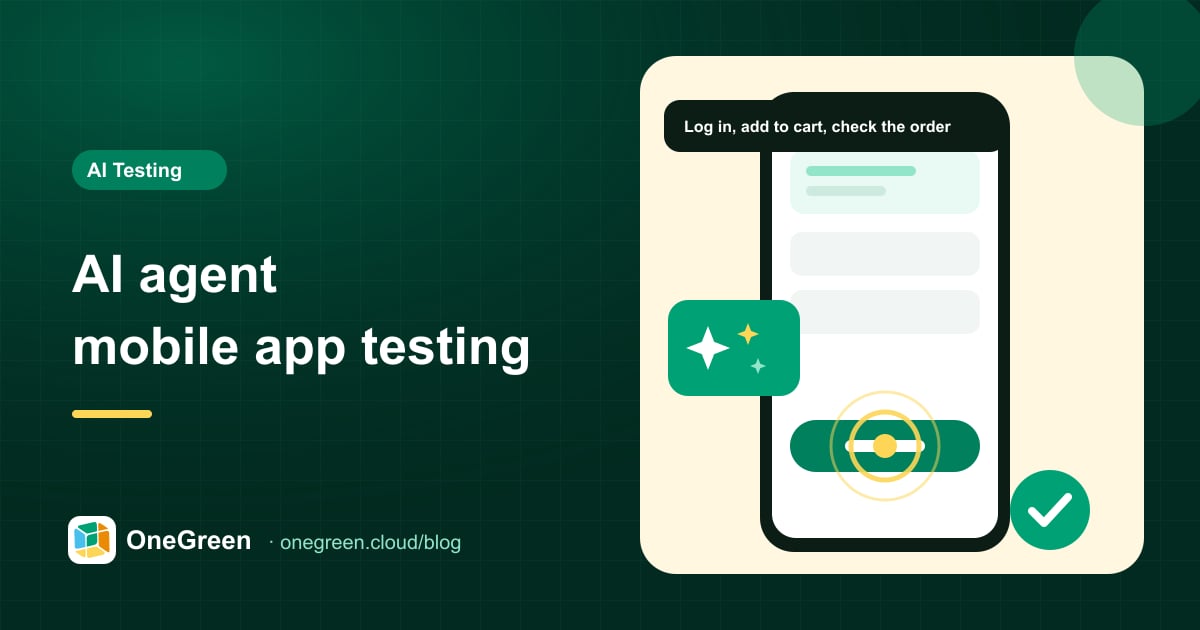
AI agent mobile app testing: what it is, how it works and when to use it
Instead of writing scripts or clicking through test cases by hand, you describe what to check and an AI agent runs it on a real phone. Here is how that actually works.
Early access · AI QA agent
Tell Green Phone Agent what to test in plain English or Vietnamese. It taps, swipes and plays through your app on real phones we own and operate — then hands you a video, screenshots and a clear bug report.
You
Finish the tutorial, play level 1, collect the coins and check the reward pop-up appears.
Green Phone Agent
Running on a real device
How it works
No manual clicking, no automation scripts. The agent looks at the screen, decides, acts — and repeats until your goal is checked.
Use cases
Long gameplay sessions, location-driven flows and multi-step ordering journeys are exactly where manual testing gets slow and scripts get brittle.
Let the agent play: tutorials, levels, in-game shop screens and daily rewards — on real GPUs, so you also see frame rate, heat and battery behaviour.
Go online, receive a request, follow navigation, complete a trip and check earnings — with real GPS, real background behaviour and real notifications.
Search, product pages, cart, vouchers, checkout and order tracking — run across many screen sizes on every build.
Capabilities
Write test cases in English or Vietnamese. QA and product can author them, not only engineers.
Moved buttons, renamed labels or new pop-ups don't break the test — the agent adapts.
Give a goal and let the agent explore to find crashes, dead ends and confusing UX.
Save scenarios as suites and re-run them via API or your CI pipeline.
Location, motion and sensors come from real hardware, not simulated inputs.
Frame rate, memory and heat on the phones your users actually own.
Catch overlapping text, cut-off buttons and broken layouts across screen sizes.
Exact steps, screenshots, video timestamp and device details for every failure.
Real device lab
Your tests run on physical Android and iOS phones in OneGreen's own lab — not emulators, not borrowed devices. Every phone is ours, managed end-to-end and reset after every session.

Comparison
Manual testing is slow and repetitive. Scripted automation needs engineers and breaks when the UI changes. Emulators miss real-device bugs.
| Manual testing | Scripted automation | Green Phone Agent | |
|---|---|---|---|
| Who writes tests | QA testers | Automation engineers | Anyone, in plain language |
| Time to first test | Hours | Days to weeks | Minutes |
| When the UI changes | Re-brief testers | Fix broken selectors | Adapts automatically |
| Games & gestures | Yes, slowly | Hard to script | Yes, by looking at the screen |
| Runs on every build | No | Yes | Yes |
| Video evidence | Rarely | Sometimes | Always |
Reports
Share a link with developers and product owners. Everyone sees exactly what the agent saw.

Instead of writing scripts or clicking through test cases by hand, you describe what to check and an AI agent runs it on a real phone. Here is how that actually works.

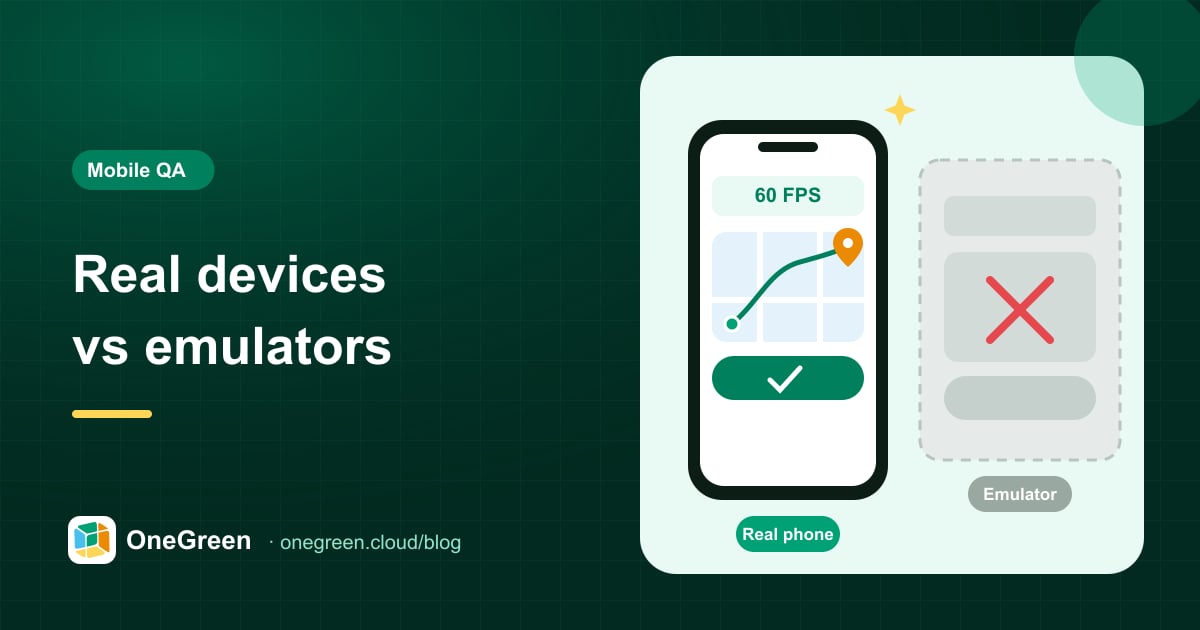
Emulators are great for quick checks during development. But some of the bugs that hurt users most only appear on a real phone, with a real GPU, GPS and network.

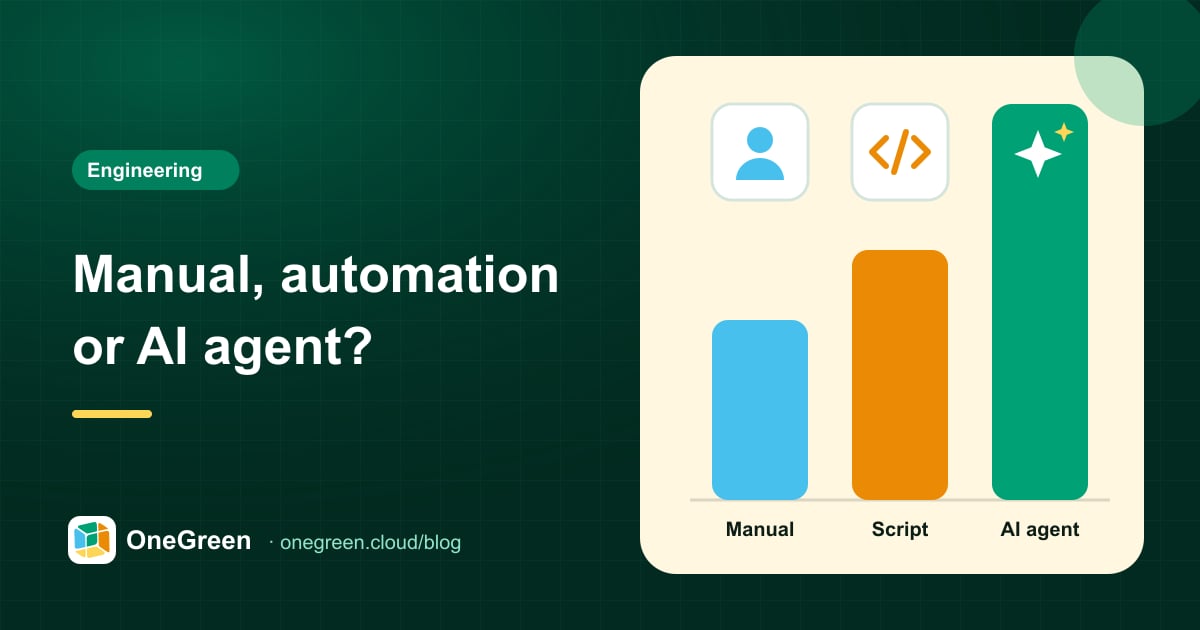
Each approach has a place. This comparison shows where manual testing, scripted automation and AI agents shine, where they struggle, and a practical way to combine them.
Book a demo
Leave your details and the flows you care about. We'll come back within one business day to schedule a 30-minute live demo.
No. You describe each scenario in plain language — for example “finish the tutorial, play level 1 and check the reward pop-up”. The agent figures out the taps, swipes and inputs on its own.
Real phones. Green Phone Agent operates physical Android and iOS devices in OneGreen's own lab, so gestures, GPS, notifications and performance behave like they do for your users.
Yes. The agent looks at the screen like a player does, so it can follow tutorials, play through levels, use swipes and long-presses, and check pop-ups and rewards — no game-engine hooks required.
Because the agent reads the screen rather than relying on hard-coded selectors, small UI changes usually don't break your tests. If a flow really changed, the report shows where and why.
It removes repetitive manual runs and script maintenance, so your QA team can focus on test strategy, edge cases and product quality.
Each session runs on a dedicated device, apps and test data are wiped afterwards, and we can sign an NDA. Always use test accounts for testing.