
Real device lab
Real phones — owned by us, not emulated
Emulators are great for quick checks during development, but your users don't live in emulators. Green Phone Agent runs on physical phones that OneGreen owns and operates.
Book a demo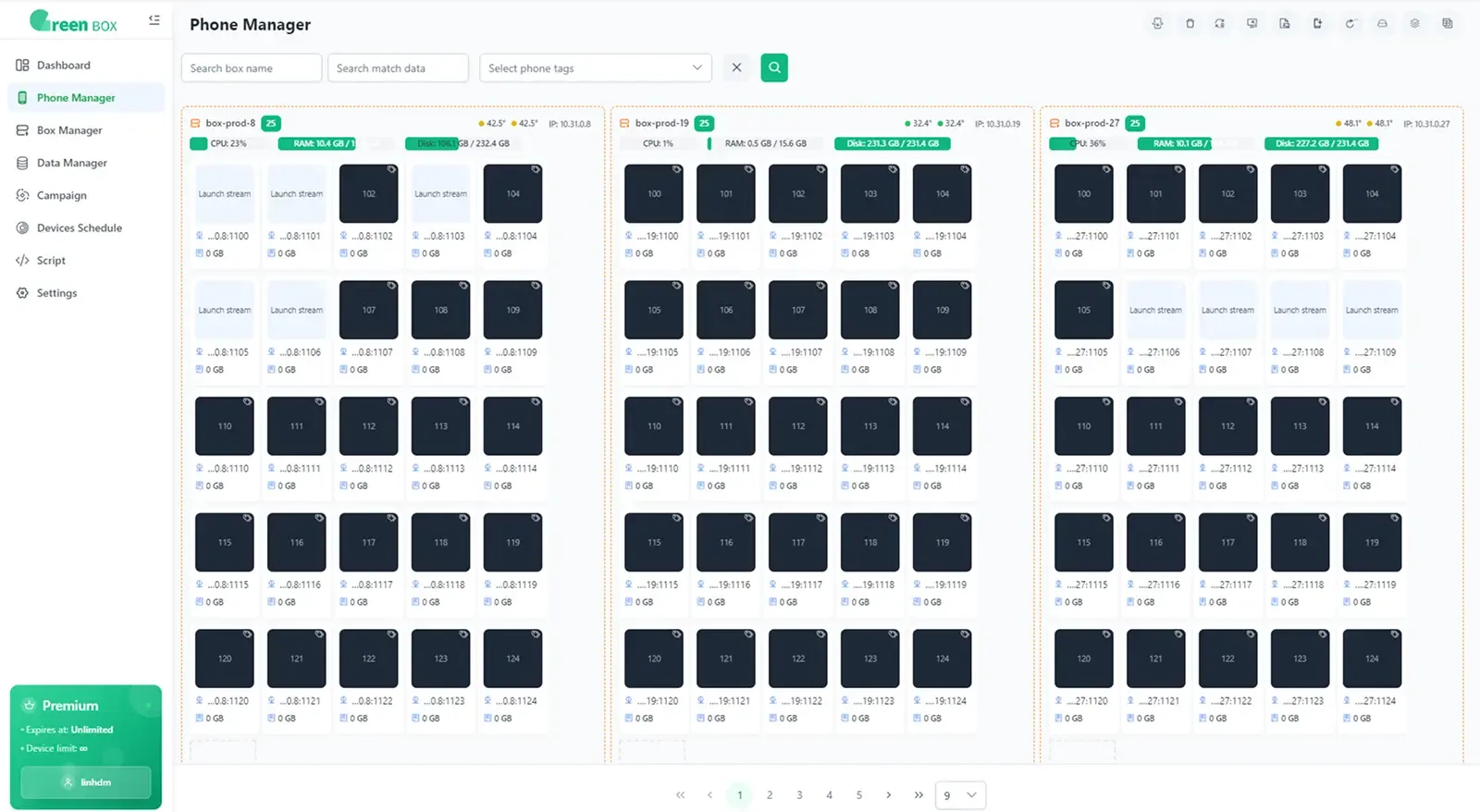
Why real devices
The bugs that only show up on real phones
Game performance
Real GPUs reveal frame drops, overheating and battery drain that emulators hide.
GPS & location
Location-driven flows like driver and delivery apps behave differently on real hardware.
Push notifications
Verify notifications arrive, display correctly and open the right screen.
Background & interruptions
Screen lock, incoming notifications and switching apps — the way real usage interrupts your app.
Real network conditions
Slow or unstable connections and switching between Wi-Fi and mobile data.
OEM differences
Brands customise Android differently — keyboards, permissions, battery savers, screen notches.
What “owned” means
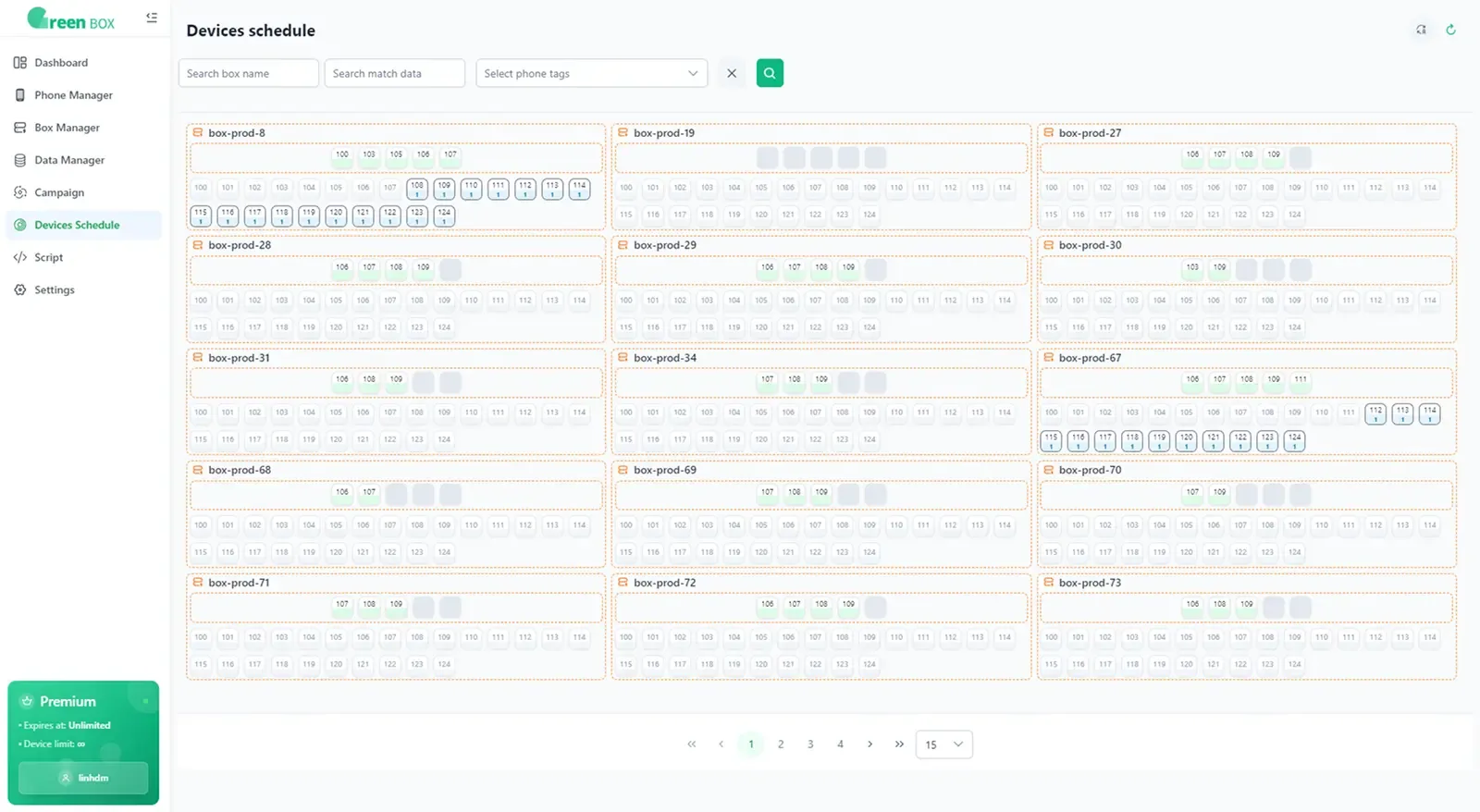
Every phone in the lab is purchased and operated by OneGreen. No rented device farms, no borrowed personal phones — we control the full lifecycle of each device, from setup to reset, so your tests run on clean, consistent hardware.
- Devices purchased and managed by OneGreen
- Same clean setup for every session
- Usage tied to your project for traceability
- Devices reset and apps removed after every session
Session lifecycle
What happens to a device during your test
- 01
Reserve
A clean device matching your requested model and OS is allocated to your run.
- 02
Install
Your build is installed, along with any test accounts you provided.
- 03
Test
The agent executes your scenarios while the screen is recorded.
- 04
Wipe
Apps, accounts and data are removed and the device is reset before the next session.
Frequently asked questions
Which phone models are available?
The lab covers popular Android brands and iPhones across several OS versions. Tell us which devices matter to your users and we'll confirm coverage during the demo.
Can you test on low-end phones?
Yes — mid-range and entry-level devices are often where performance and layout bugs appear, so they're an important part of the lab.
Can I watch a device live?
Every run is recorded so you can replay it step by step. Contact us if you need live viewing for a specific project.
Let an AI agent run your next test cycle
Book a 30-minute demo. Bring a build and a few test scenarios — we'll run them live on real phones.