Manual vs automation vs AI agent testing: how to choose and combine them
Each approach has a place. This comparison shows where manual testing, scripted automation and AI agents shine, where they struggle, and a practical way to combine them.
 OneGreen Team4 min read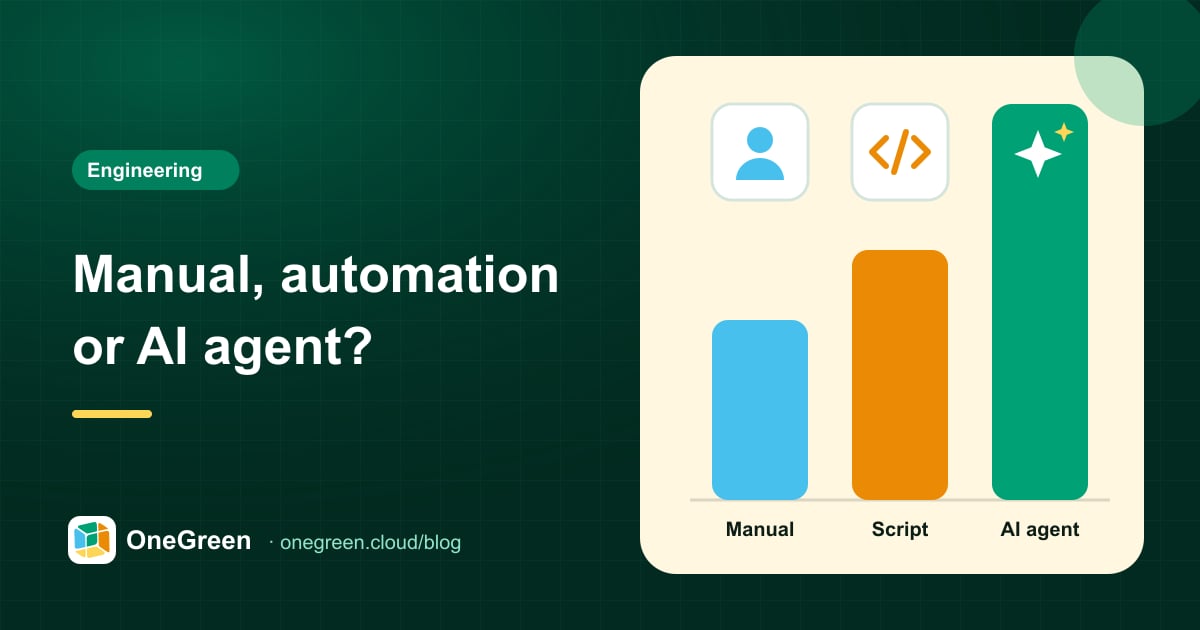
On this page
Ask three mobile teams how they test and you will likely hear three different answers: "our QA team clicks through everything before release", "we have an automation suite, when it's not broken", and increasingly, "we're looking at AI agents". None of these is wrong. The question is which approach fits which job.
This article compares manual testing, scripted automation and AI agent testing on the criteria that matter in practice, then suggests how to combine them without rebuilding your whole QA process.
The three approaches in one paragraph each
Manual testing means people execute test cases by hand on devices, following a checklist or exploring freely. It is flexible and catches things no tool would, but it is slow, hard to repeat consistently and scales only by adding people.
Scripted automation uses frameworks to drive the app through code. Each test is a program that finds elements by selectors and asserts on results. Once written and stable, scripts run fast and often, but they need engineering skills to build and ongoing effort to maintain.
AI agent testing gives a plain-language test goal to an agent that operates the app visually, like a person, and reports with evidence. There are no selectors to maintain, and non-engineers can write tests, but runs take human-like time per step and results depend on clear instructions. For a deeper explanation, see what AI agent testing is.
Comparison table
| Criterion | Manual | Scripted automation | AI agent |
|---|---|---|---|
| Setup effort | Low: write test cases | High: framework, scripts, infrastructure | Low: describe tests in plain language |
| Maintenance when UI changes | Update the checklist | High: selectors and flows break | Low: adapts to cosmetic changes |
| Flakiness | Human inconsistency | Common: timing, pop-ups, animations | Lower, but needs clear expected results |
| Speed per run | Slow | Fast | Human-like per step, runs unattended |
| Repeatability | Varies by person and day | High | High, with recorded evidence |
| Real-world flows (GPS, game performance, push) | Yes, on real devices | Hard, often mocked | Yes, when run on real phones |
| Skills needed | Domain knowledge | Programming and framework expertise | Domain knowledge, clear writing |
| Cost profile | Grows with every release and person | High upfront, ongoing engineering time | Usage-based, little upfront investment |
| Exploratory and UX judgement | Excellent | None | Limited: follows goals, flags obvious issues |
Where each approach shines
Manual testing
- Exploratory testing of new features, where nobody yet knows what "correct" looks like.
- Usability, copy and visual polish that needs human taste.
- One-off checks that will never be repeated.
Scripted automation
- Unit, component and API tests that run in seconds on every commit.
- Stable, high-volume flows owned by an engineering team that can maintain them.
- Data-driven checks with many input combinations.
AI agent testing
- End-to-end regression of core user journeys on every build.
- Flows that involve the real world: game performance and gestures, GPS and maps in driver apps, push notifications, behaviour on mid-range phones, which is why real devices matter (see real devices vs emulators).
- Teams with fast-changing UI, or without automation engineers.
- Smoke tests on a release candidate, with video evidence for sign-off.
How to combine them
A practical layered strategy for most mobile teams looks like this:
- Fast checks in code. Keep unit and API tests in your codebase. They are the cheapest way to catch logic errors early.
- Core journeys with an AI agent on real phones. Sign-up, login, search, add to cart, checkout, a game tutorial, accepting a trip in a driver app. Run them on every build or every night, and before each release.
- Humans on the frontier. Free your testers from repetitive regression so they can explore new features, edge cases and the overall experience.
A migration path in four steps
- List your top journeys. Pick the 10 to 20 flows that would cause the most damage if they broke in production.
- Write them as plain-language test cases. Starting state, goal, expected result. Many teams can reuse their existing manual checklists almost as-is.
- Run them in parallel with your current process for a few release cycles, and compare what each approach catches.
- Automate the trigger. Connect runs to your CI pipeline so every new build is tested automatically, and route failures with reproduction steps into your issue tracker.
Common mistakes to avoid
- Automating everything at once. Teams that try to cover every flow in the first month usually end up with a large, fragile suite nobody trusts. Start small and grow.
- Vague expected results. "The page loads" is not a test. "The order confirmation shows the correct total and an order number" is. This applies to manual, scripted and agent tests alike.
- Ignoring test data. Shared accounts that other people change, expired vouchers or empty stock make any approach unreliable. Give tests dedicated, resettable data.
- Treating a red result as noise. If failures are routinely ignored, the suite has stopped doing its job. Fix or remove flaky tests quickly.
- Testing only on emulators. The flows users care about most often depend on real hardware and real networks.
Frequently asked questions
Will AI agents replace QA engineers?
No. They replace the most repetitive part of the job: executing the same regression steps again and again. QA engineers become more valuable as designers of test strategy and as explorers of new risk.
Can an AI agent run tests written for manual QA?
Often, yes. Well-written manual test cases with clear expected results are a good starting point for agent tests.
Where should we start?
Start with one critical journey that is painful today, typically sign-up, checkout or a game tutorial. Compare the plans on our pricing page or book a demo to try it on your app.